rDownloader 1.42.0 — GNU GPL v3.0 or later
One downloader. Every workflow.
HTTP and hosters, Usenet, torrents, media, feeds and more in one local-first download hub. Capture from anywhere, control one queue, automate what follows.
Features
Every source. One queue. One pipeline.
HTTP and hosters, Usenet, torrents, media and feeds — collected in the LinkGrabber, run in one queue, finished by the pipeline.
Plugins
Extend the workflow without opening the core.
Signed WebAssembly plugins for hosters, cloud drives and more, sandboxed and updated on your terms.
Integrations
Built for humans. Ready for automation.
MCP, REST and SSE, the *arr compatibility adapters, aria2 JSON-RPC and the browser extension.
Security
Your machine. Your downloads.
Local by default: encrypted secrets, scoped tokens, passkeys, sign-in through your identity provider, signed updates and an append-only audit log.
The interface
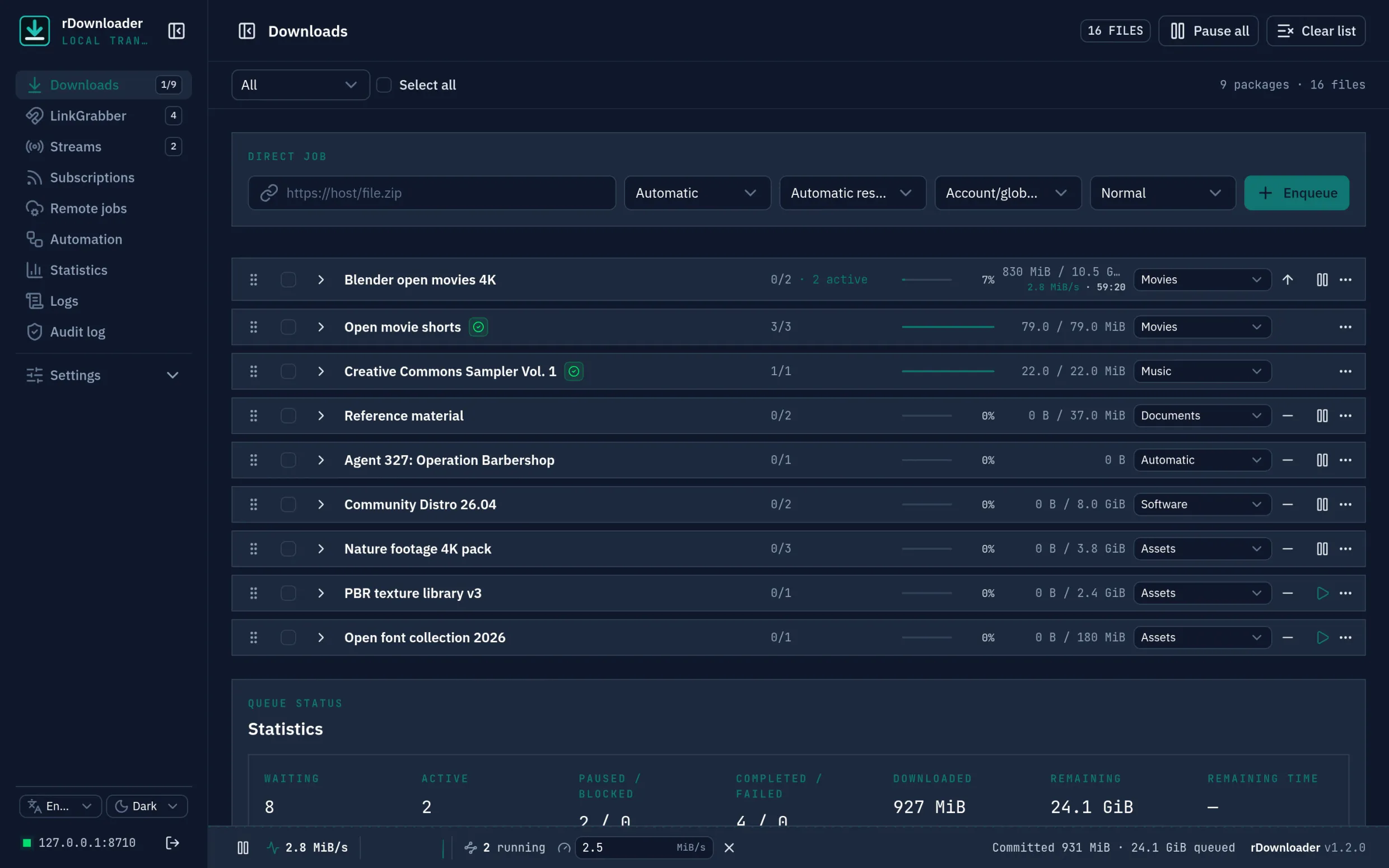
This is what rDownloader looks like.
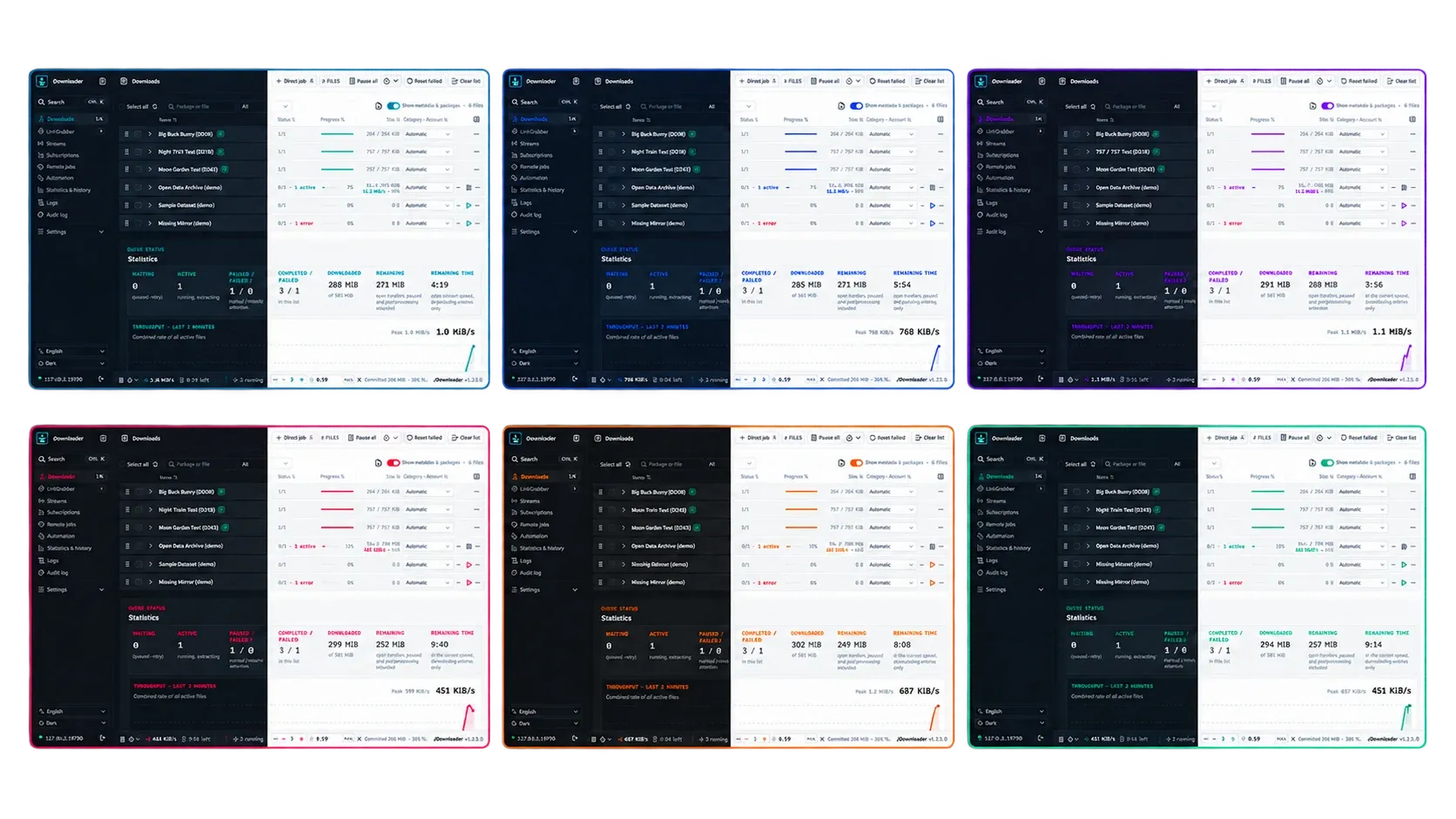
Six colour themes, light or dark.
Signal, Ocean, Violet, Rose, Amber and Forest: every theme works as a light and as a dark mode, or follows your operating system.
Platforms
Run it where your files live.
Choose a native build or a multi-architecture container. Open or install the embedded PWA from the machine and network you configure.
Windows
Portable binaries or a per-user MSI, also via Scoop and winget. The tray agent captures links, opens torrents and pauses the queue while you play.
macOS
Native builds for Intel and Apple Silicon with a menu-bar agent that captures links, updates itself and pauses the queue while a chosen program runs.
Linux
x86-64 and arm64 binaries, .deb and .rpm packages and a signed apt/dnf repository, with a headless capture agent. Needs glibc 2.39 or newer.
Docker
amd64 and arm64 image with /config and /downloads volumes, PUID/PGID support and a health check.
The Docker image holds the server, not the capture agent, and ships ffmpeg, yt-dlp, streamlink, 7-Zip and more. Native installs find tools in a vendor/ folder.
Use rDownloader in your language
The interface, browser extension and desktop agent speak German, English, French and Spanish, detected automatically or chosen by hand.
Accessibility
The interface targets WCAG 2.2 AA, with a skip link, landmarks, summarized announcements and prefers-reduced-motion honoured.
Keyboard and settings
Keyboard shortcuts for the main actions, settings grouped by topic with their own search, and six colour themes in light and dark.
Put every download workflow in one place.
Start with one link or move an entire queue. The source code and the user handbook are public on GitHub.
GNU GPL v3.0 or later